
Step 1
Paste your life story
Drop in a moment, conflict, memory, or emotional fragment that already has human texture.
Built for people who want to turn family moments, graduation stories, romance, pressure, or everyday memories into an anime-style short that can be scripted, storyboarded, and continued.
Start with one lived experience. Anivid shapes the title, hook, script, and storyboard-ready scene structure so you can decide whether to keep producing the anime short.
Paste a memory, diary paragraph, or emotional scene to start.
Get title, hook, long script, and scene outline in one flow.
Plan short and mid-length videos for different platforms.
Instead of forcing creators to think in fields and parameters, the page now explains the real workflow from story input to platform-ready structure.
Drop in a moment, conflict, memory, or emotional fragment that already has human texture.
The draft pulls out hook-worthy tension, pacing, and aftertaste for short-video storytelling.
Receive a title, hook, long script, and a usable scene outline instead of a vague summary.
If the idea is worth pursuing, save it and keep moving into storyboard generation.
Search visitors usually want proof first. This example shows the full jump from raw memory to short-video-ready anime structure.
I had been working overtime for a month. At the bus stop that night, my mom called. I said I was fine as usual, but after hanging up I suddenly had no idea how long I could keep pretending.
She only asked one simple question on the phone, but that night at the bus stop was the first time I realized I had been surviving instead of living.
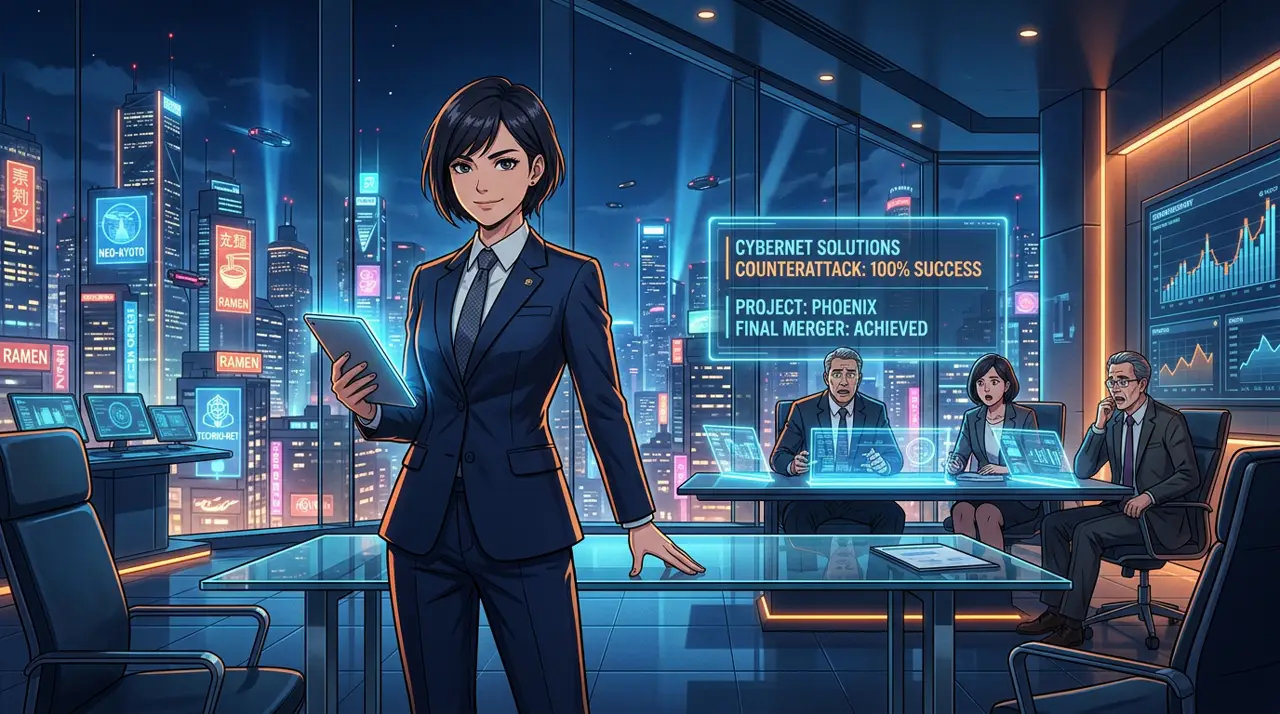
Neon commute, crowded bus stop, small body language details reveal exhaustion.
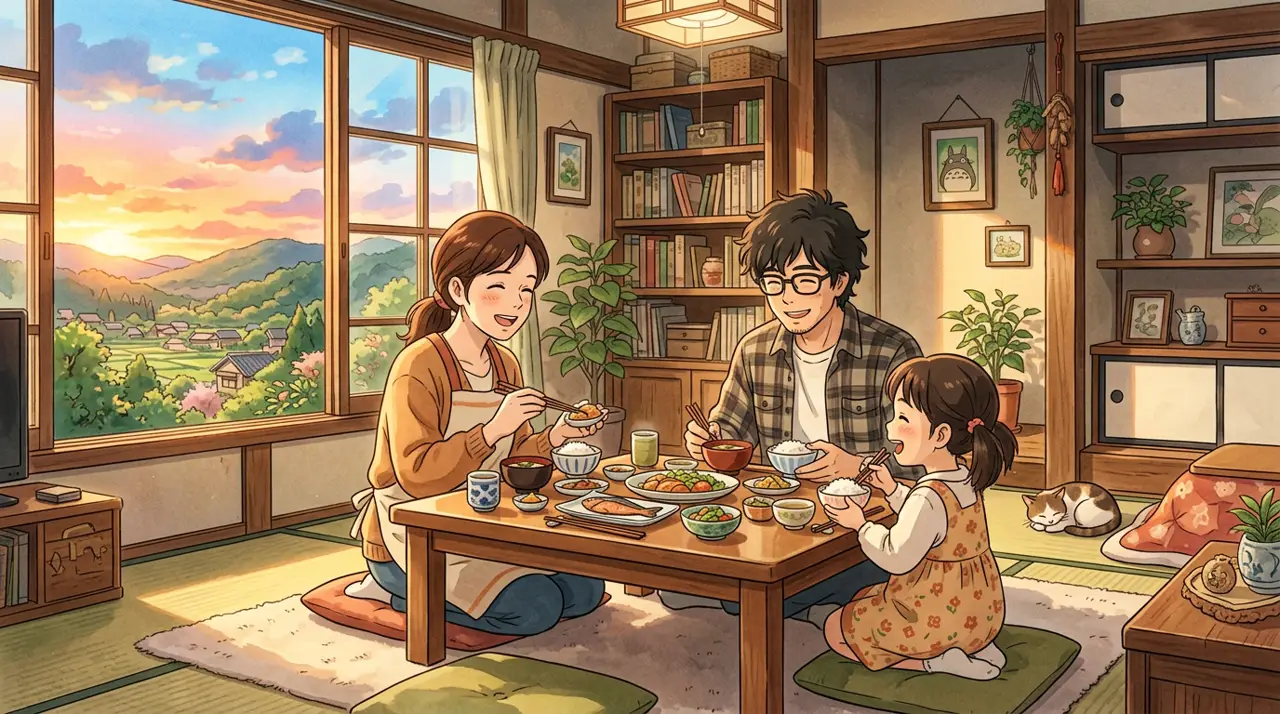
Warm voice against a cold night creates contrast and the emotional hook.
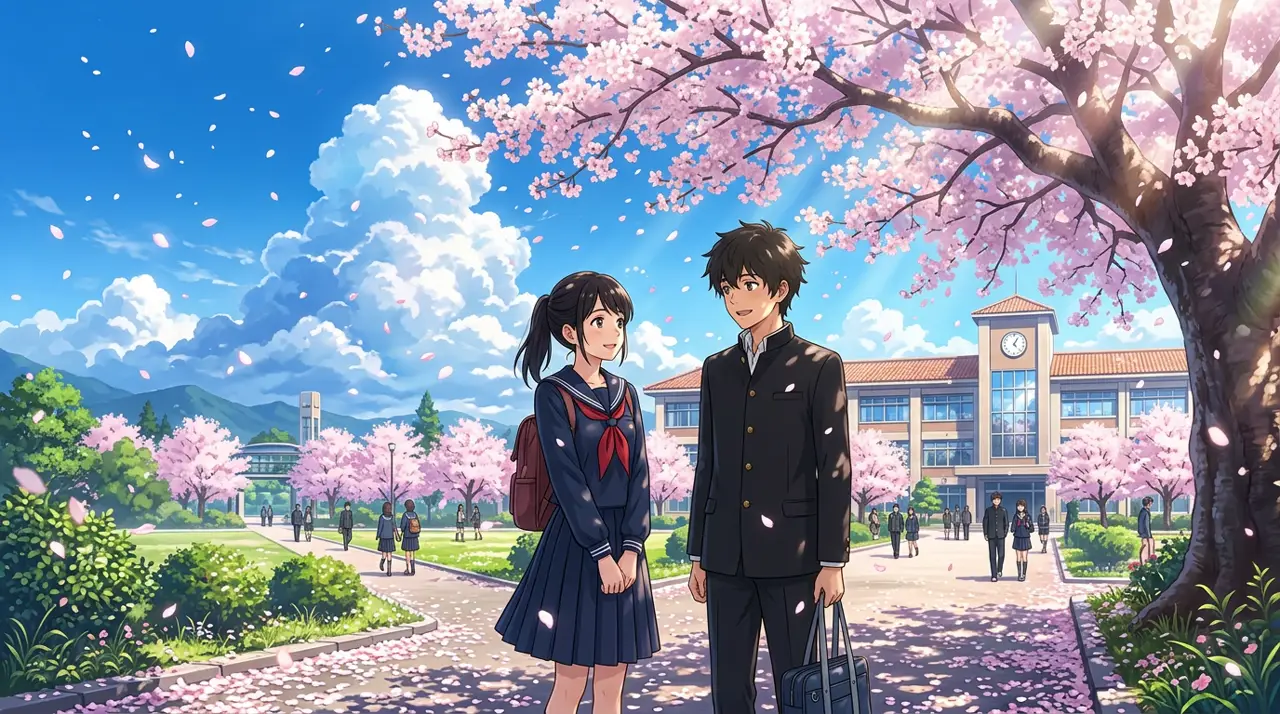
The scene shifts inward, with tighter framing and slower pacing.
The strongest use cases are not generic AI video. They are story-led formats where lived experience matters more than spectacle.
Turn family memories, pressure, loneliness, and quiet recovery into anime-style emotional shorts.
Transform commute moments, school memories, or relationship fragments into scripted narrative clips.
Keep the protagonist strong, visible, and emotionally readable from title to storyboard.
The heavy workspace is pushed lower. Start with a title, your life story, and a content direction, then open advanced settings only if you need them.
The embedded legacy workspace is still being localized. Use the current creation form for the complete English story, script, storyboard, and preview flow.
Open English creation formThe point is not features. The point is whether you can publish faster with more emotional clarity and stronger visual rhythm.
Generate not just copy, but a title, hook, long-form script, and scene beats that map to actual publishing workflows.
Choose 16:9, 9:16, or 1:1, and plan 60 to 300 second outputs for different distribution targets.
Review and edit the generated result before saving it as a project or continuing to storyboard.
Once the draft feels right, move straight into project persistence and storyboard generation.
No. The strongest starting point is simply a real moment with emotional texture. The tool helps shape it into a more publishable script structure.
No. The draft stays editable on your side first. You decide whether to save it, continue to storyboard, or leave it unused.
The framing is anime-oriented, but the real value is in script, hook, and scene rhythm for emotional short-form storytelling.
Start with the script draft. Once the pacing and emotional line feel right, continue into storyboard generation.