
Two creation modes
Director mode confirms key checkpoints, while pro mode gives shot-by-shot control.
From story and characters to visuals, voice, and final video, Anivid's director agent runs the whole pipeline: you confirm direction, the agent handles script breakdown, shot-by-shot production, and quality gating.
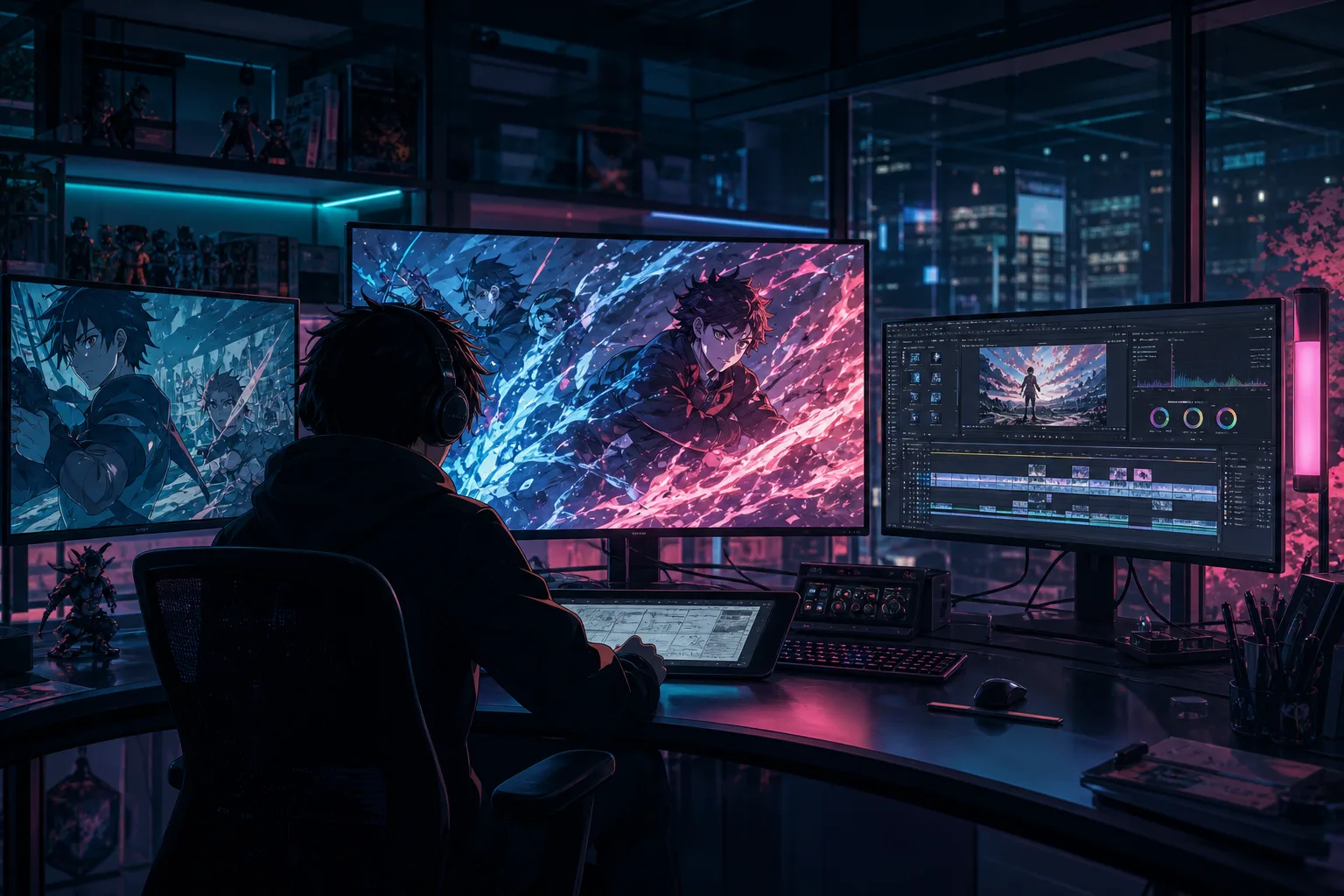
Once you submit a story, the agent handles the visual bible, script breakdown, shot-by-shot images, voice, scene videos, and final composition, pausing only at key checkpoints for your confirmation. Every step is visible, and you can steer it with natural language at any time.
Director mode confirms key checkpoints, while pro mode gives shot-by-shot control.
Before images, videos, and composition ship, the agent checks character consistency, visual defects, and duration risks, blocking failing shots.
When a shot fails, the agent diagnoses the cause, regenerates it, and rolls back to a better version.
While it runs, just say "redo shot 2" or "start composing" and the agent understands and executes.
Confirm the creative brief and visual bible, locking character looks and visual constraints.
The agent expands and polishes the story script, then moves into storyboarding once confirmed.
Shots are structured automatically, with prompts to confirm character actions in multi-role scenes.
Final frames are generated shot by shot, together with narration and character voices.
Dynamic scene clips are generated, with a cost confirmation before credits are spent.
The full short is composed automatically, with subtitles and a quality check report.
Each module solves one clear problem. Hand it to the agent for automatic progress, or open the workbench for full control.
Turn a spark of inspiration into an editable draft for later storyboard work.
Keep character setup and references together for more consistent results.
Preview scenes as visual shots before moving deeper into production.
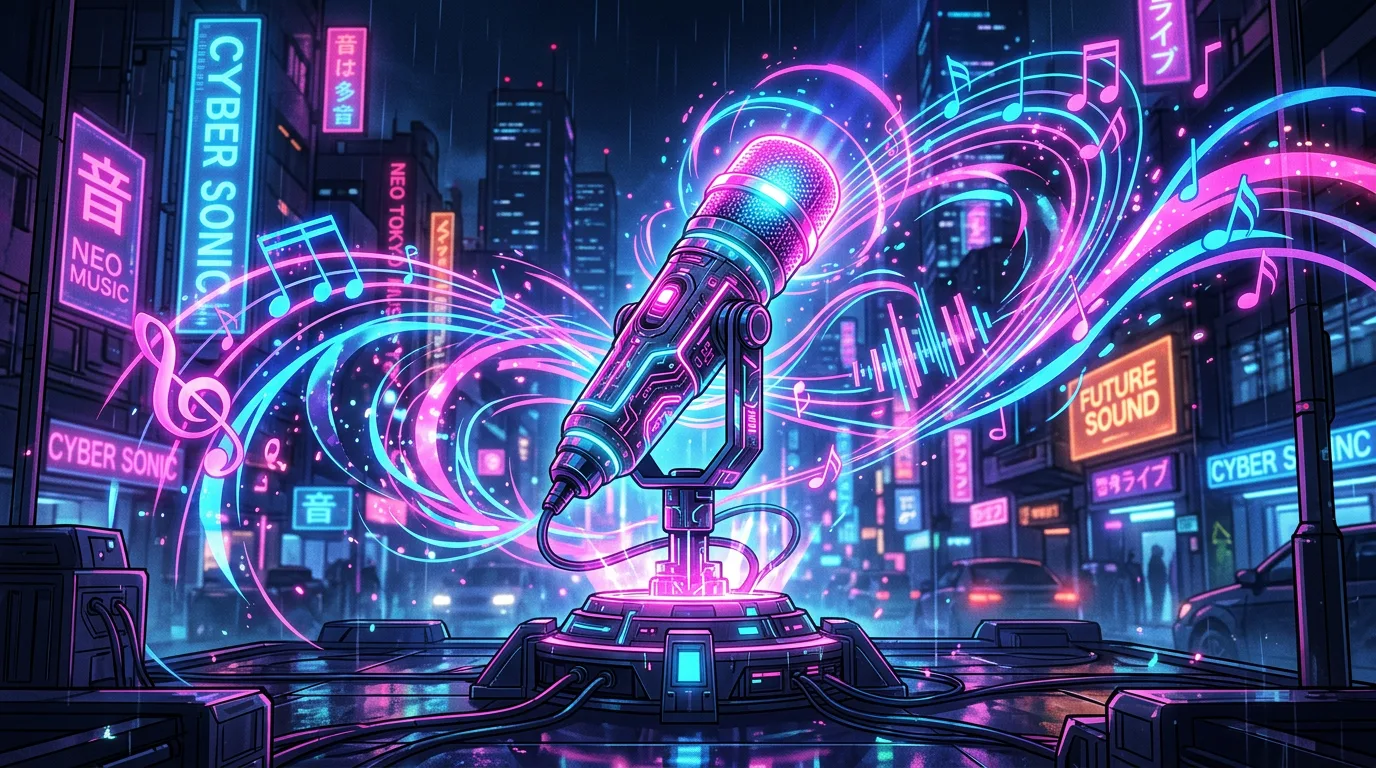
Add voice and rhythm so the anime sequence feels more complete.
Bring images, voice, and clips together into a subtitled final video.
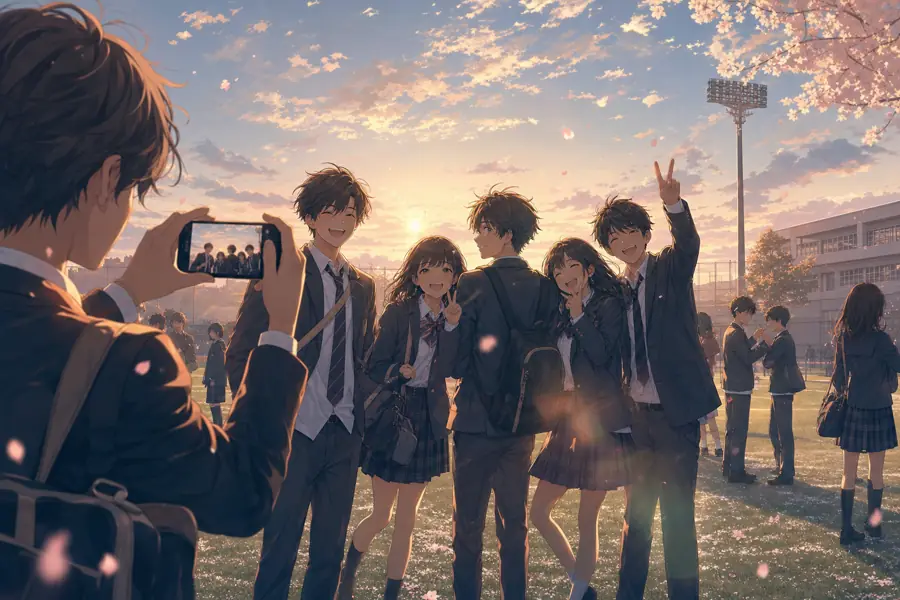
Triple checks before images, videos, and composition; failing shots are blocked and retried automatically.
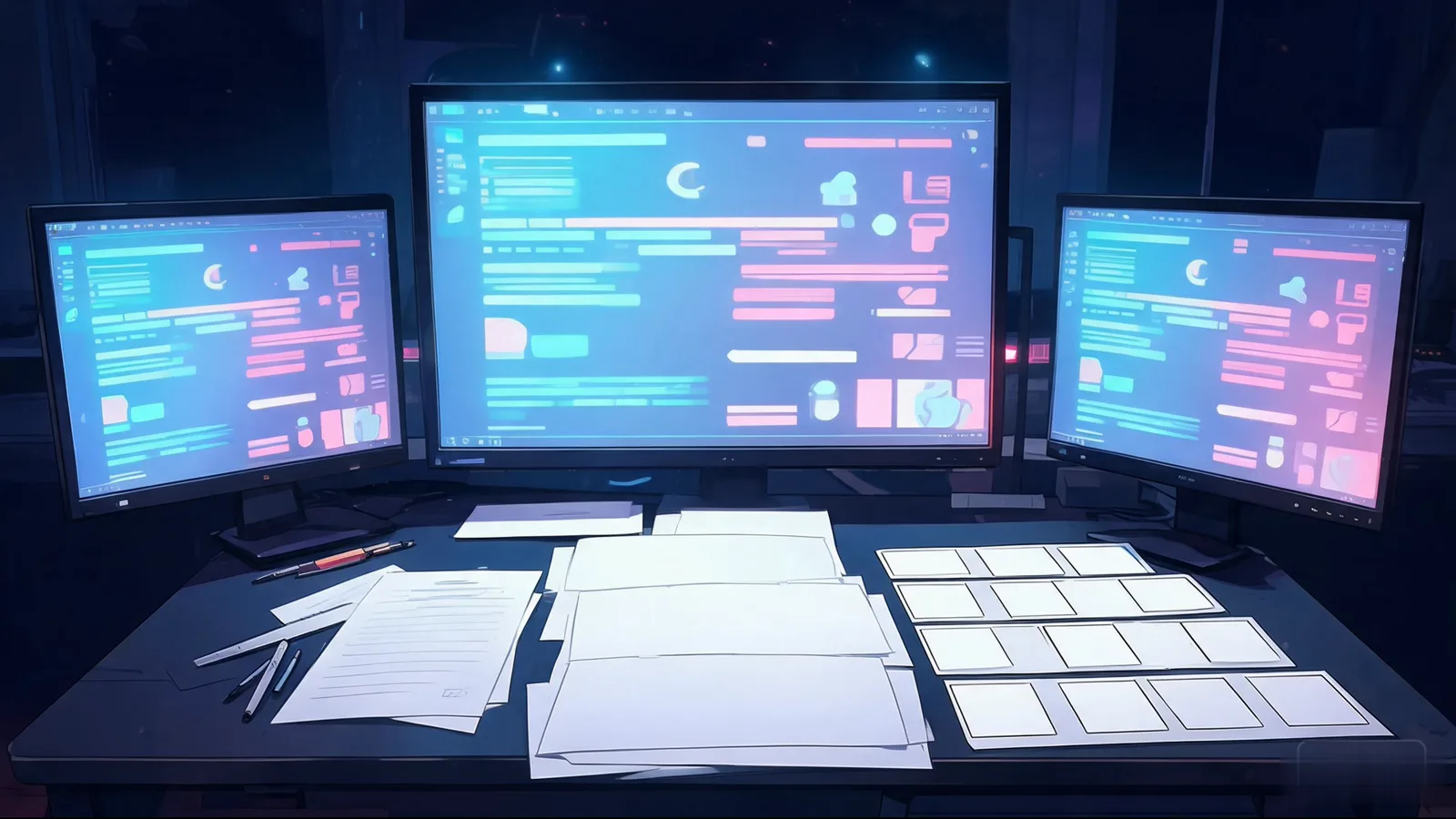
Adjust subtitles, transitions, and pacing after composition without redoing everything.
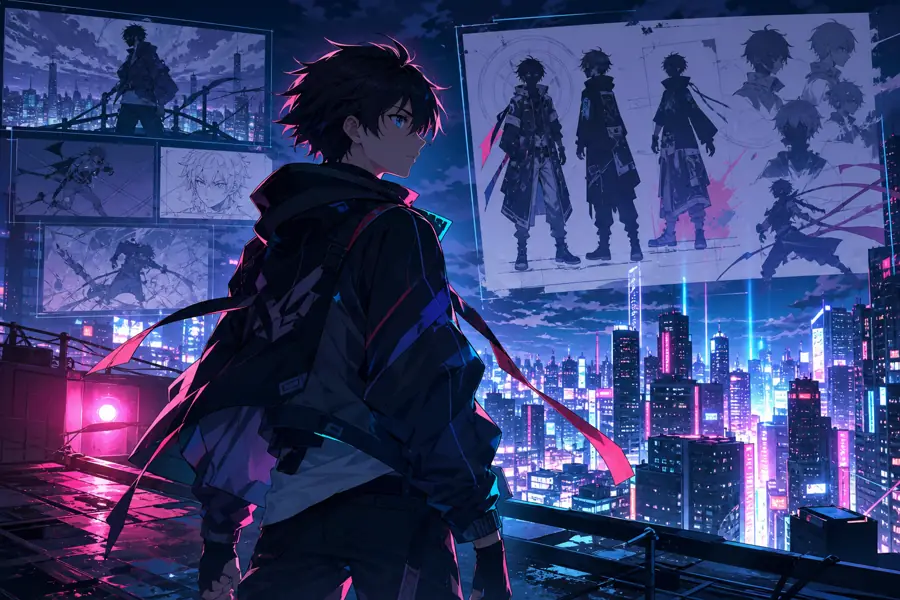
Grow one world into a multi-episode series, one episode at a time.

Publish finished works and reuse them as starting points for new ideas.
Let the agent run the whole pipeline, or take control in the workbench. Both paths reach the same final video, with costs visible at every step.
Start from a life moment, an original idea, or a drama setup. One sentence is enough.
Pick director or pro mode and the agent breaks down the script and plans shots. Prefer control? Open the storyboard workbench.
Quickly confirm the brief, storyboard, visuals, and costs. Redo any single shot you dislike.
Get a subtitled final short automatically, fine-tune it in the editor, or publish to the community.
Every stage has a clear output, and your creative assets keep moving forward instead of scattering across tools.
Story, characters, storyboard, and video can improve stage by stage.
Characters, images, and finished works become future material.
Fully automatic agent or hands-on workbench, switch freely by creation depth.
The goal is a watchable anime piece, not an isolated image.
Use Life to Anime for real-life stories, or open Create Hub when you are ready for structured production.